
Restaurant point of sale
Orders, kitchen tickets and billing that keep going offline.
Tripti runs your floor from order to invoice. Install it on one machine and work without the internet, or connect every outlet to the cloud and check sales from anywhere.
Get the Android apps on Google Play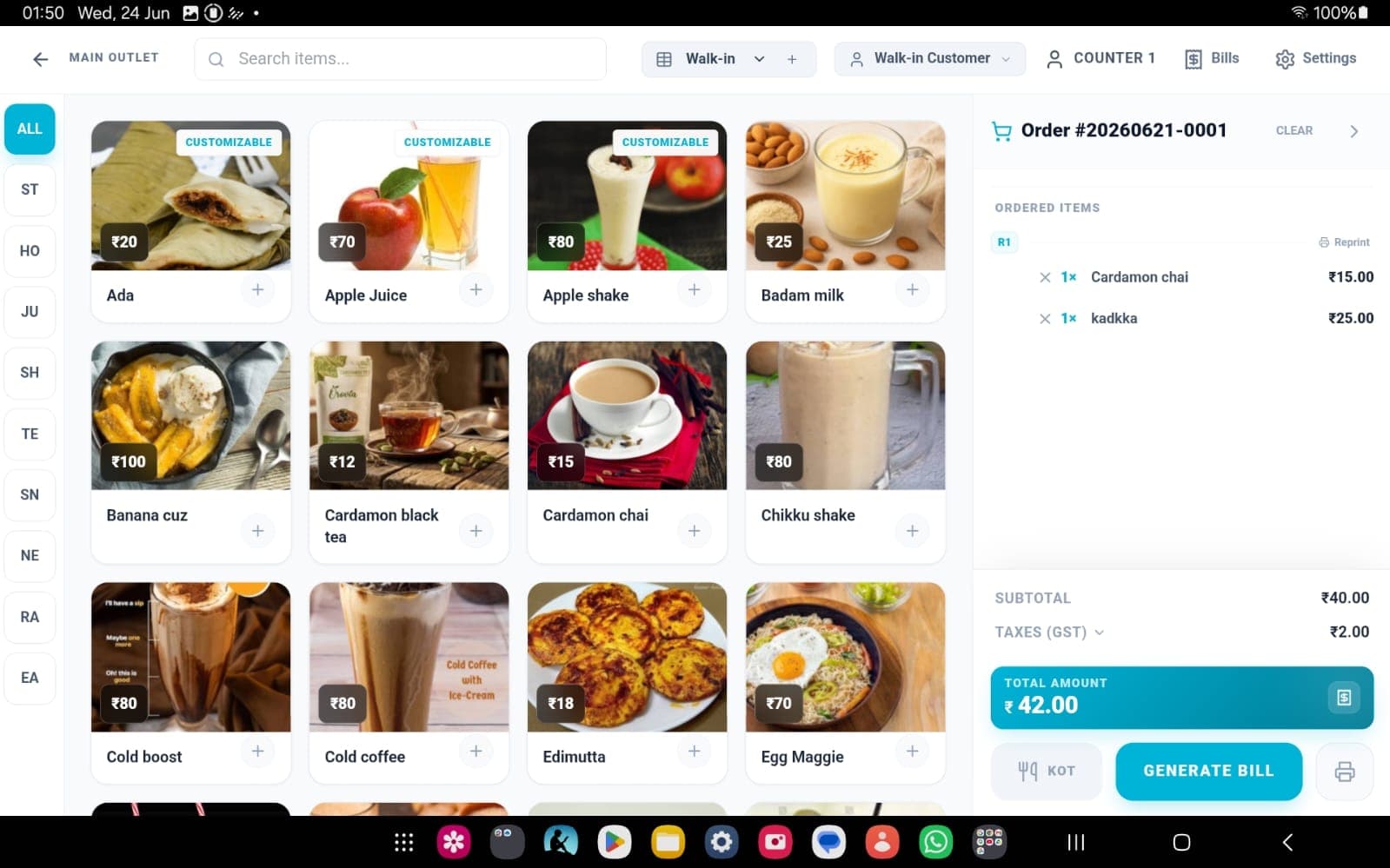
Available on
- Windows
- Linux
- Android — Server & Captain apps
- Any browser, with Cloud
What it does
Built for the pace of a working kitchen.
Everything a restaurant runs on during service, in one system your staff can learn in an afternoon.
Offline-first
A local server installed at your restaurant keeps orders and billing running through outages. Data syncs back automatically when you're online again.
How offline mode worksTables, menu and staff
Manage tables, items and staff from one dashboard. A clean, consistent interface means new staff are taking orders on their first shift.
Compare setupsOrdering and billing
Dine-in, takeaway and billing in a single flow. Print KOTs to the kitchen the moment an order is placed, and take payment through multiple gateways.
See pricingTwo ways to run it
Local on one machine, or cloud across every outlet.
Pick the setup that matches how you operate today. You can talk to us before you decide.
Local mode
License keyRuns fully offline on a single computer. Your data never leaves the restaurant.
- No internet needed for daily service
- Single outlet
- Annual or lifetime license
Cloud mode
RecommendedSync every outlet, back up automatically and see live sales from your phone.
- Multiple outlets under one account
- Automatic cloud backups
- Remote dashboard on any device
See Tripti running in your restaurant.
Start a free trial on Cloud, or tell us about your setup and we'll walk you through it.